Free Developer Tools
Free, browser-based tools for developers — nothing to install, nothing sent to a server unless noted.
Each tool on this page runs entirely in JavaScript, in your own browser tab. There's no upload step, no account, and no waiting on a server round-trip — input stays on your machine unless a tool's own description says otherwise. That makes them safe to use with real passwords, real API keys, or real customer data when you're debugging something, since nothing leaves the page. It also means the tools keep working offline once the page has loaded, and there's no rate limit or usage cap to run into.
This started as a handful of one-off scripts I kept rewriting for myself — a password generator here, a JSON formatter there — and turned into a small toolbox once it was clear other developers hit the same small, recurring problems. Nothing here is trying to be a full product; each tool does one job, does it in the browser, and gets out of the way. The Laravel reference section below grew out of the same instinct: notes I kept re-deriving from official docs and past projects, written down once so they're quicker to check than to re-Google.
Favourite Tools
A collection of my favourite tools and utilities that I find myself coming back to time and time again. Whether I’m working on a website, debugging some code, generating assets or just need to get a quick job done, these are the handy little tools that help make everyday development faster and easier.
Laravel Starter Templates
A set of ready-to-go Laravel and Bootstrap template repositories I use to kick off new projects. Whether it's a simple app with authentication, an admin dashboard with charts and user management or a full online store with card payments, each one gets the setup out of the way so the real work can start sooner.

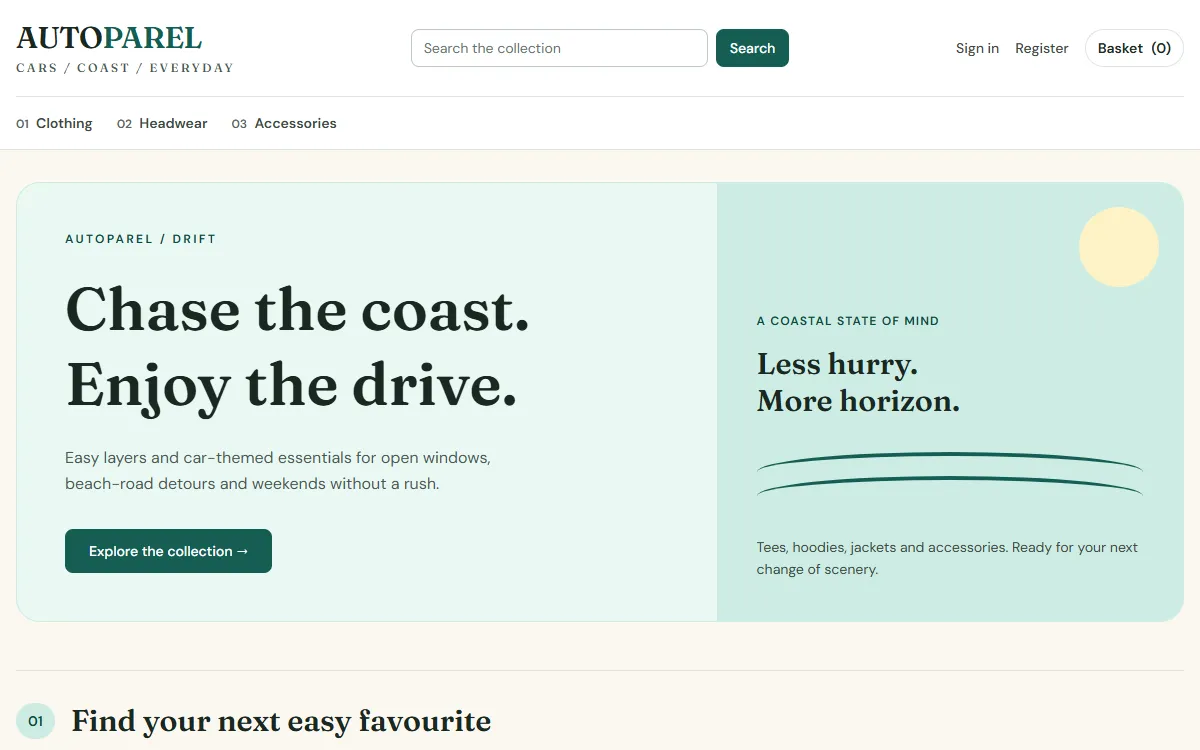

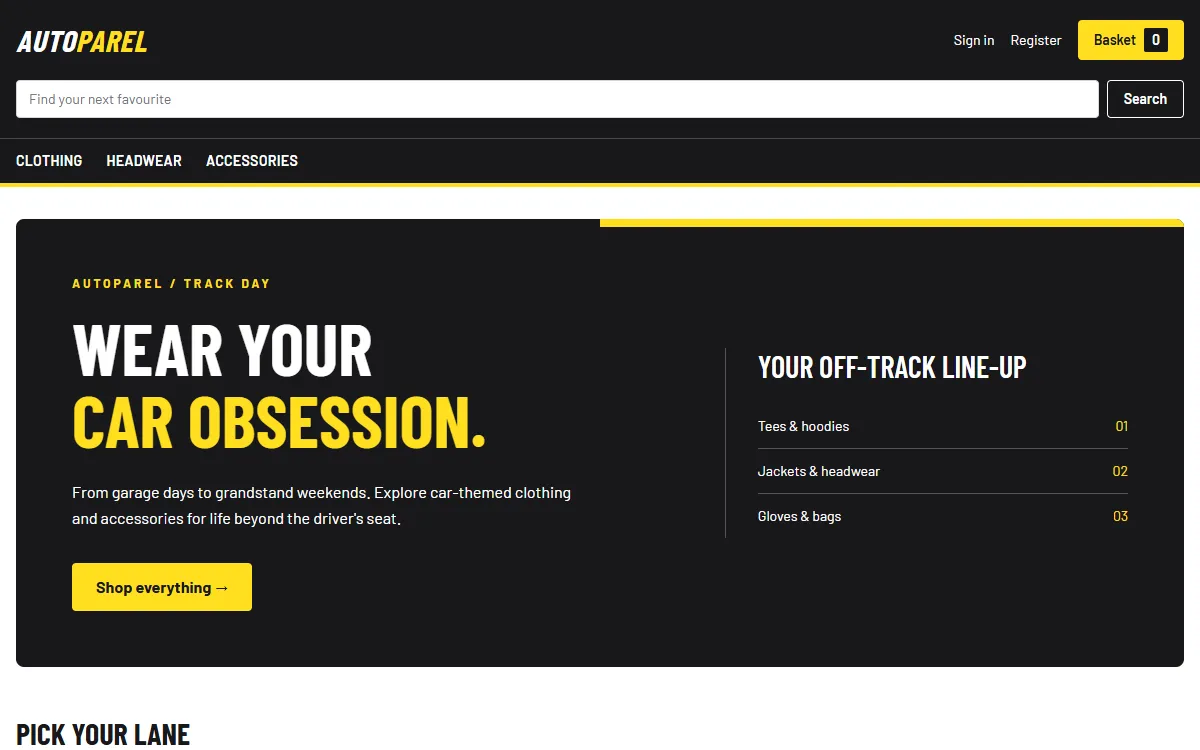
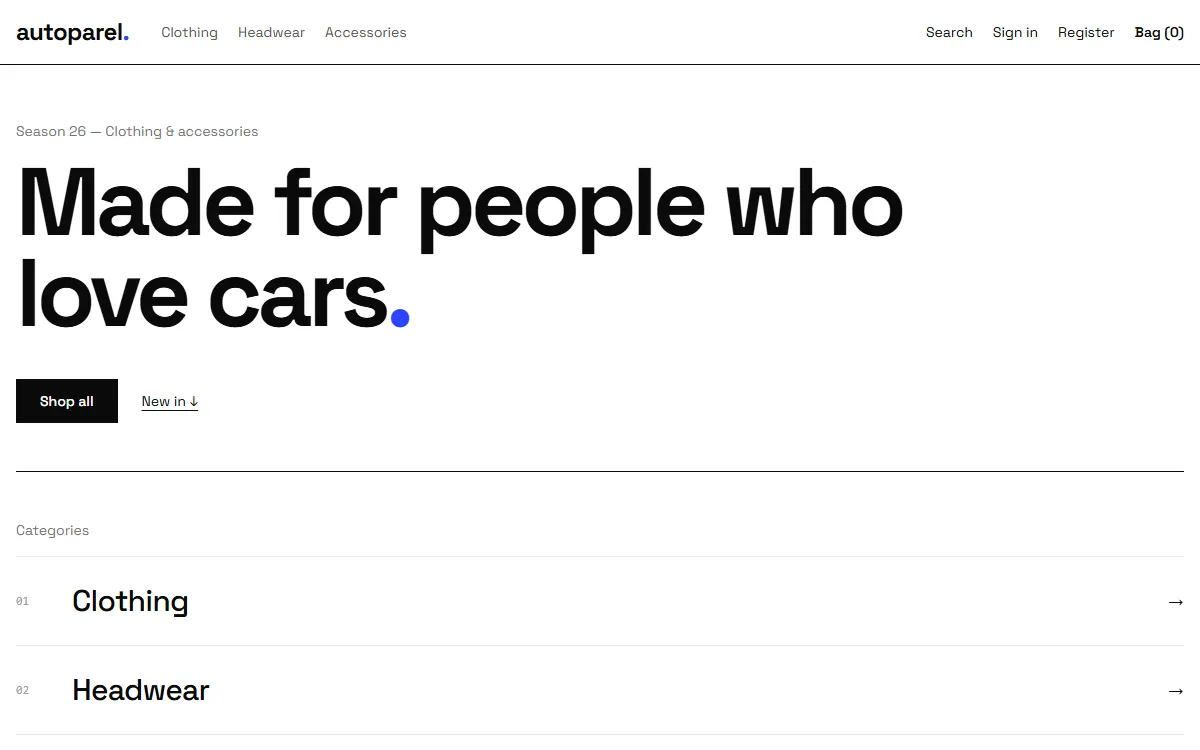
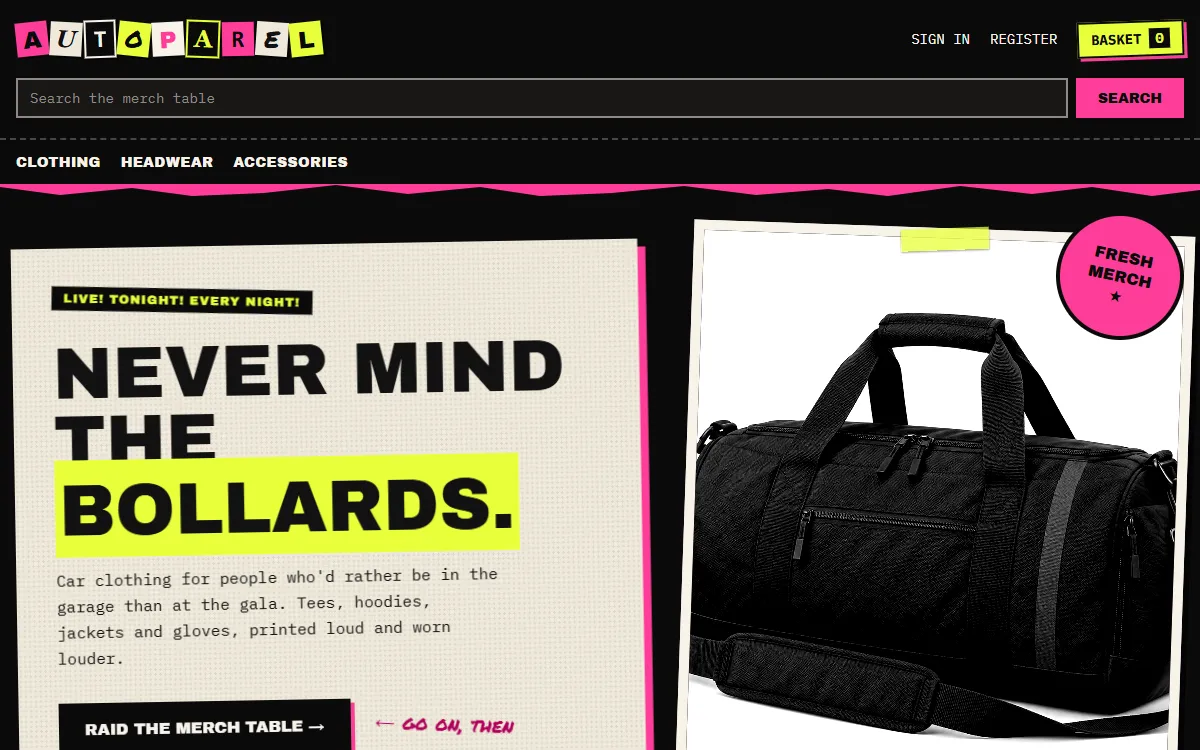

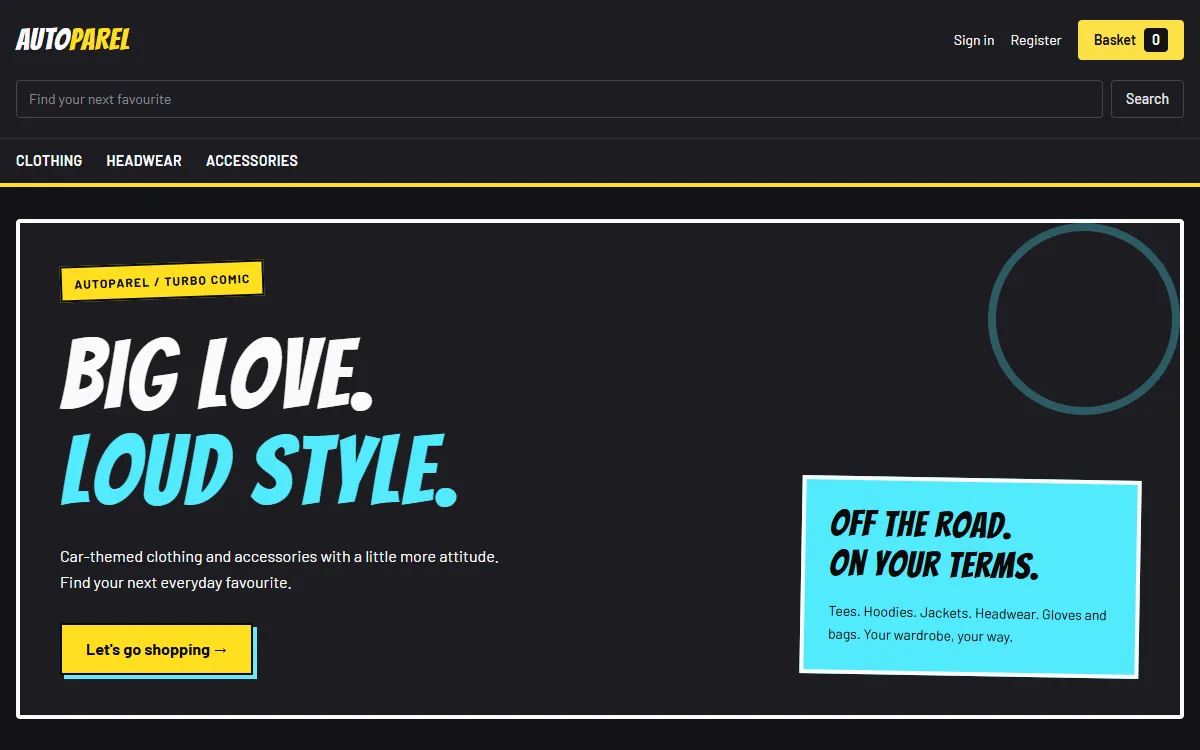


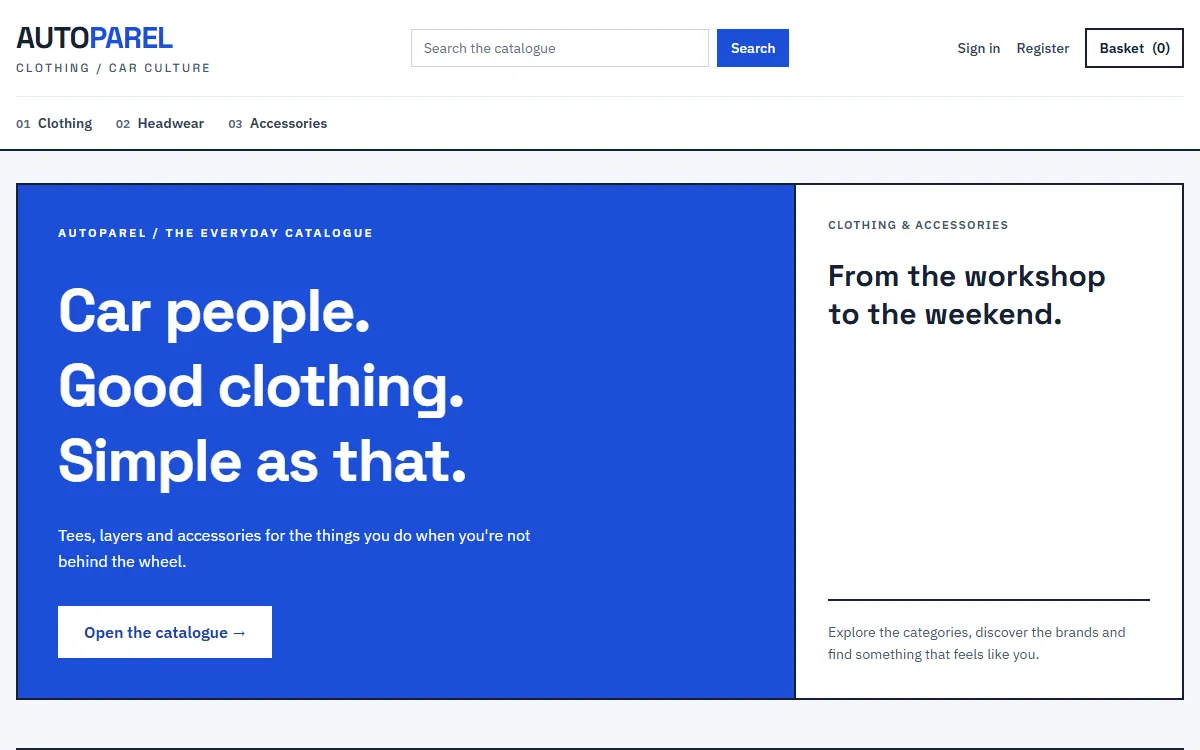

Autoparel: my online store base
Autoparel is the foundation I start from when building an online shop. It comes with 12 themes, so a client can see their store in different styles before we settle on a look. It's a starting point rather than a finished product.
Browse the 12 templates Visit the storeData & Text Tools
JSON viewing, CSV conversion, Base64 encoding, case and slug conversion, UUID generation, URL encoding, timestamp conversion, cron parsing, regex testing, and colour conversion are the kind of small transforms that come up constantly during day-to-day development — pasting a response body to check its shape, converting an export for a spreadsheet, or double-checking a schedule before it ships. These are fast, stateless operations, so keeping them client-side avoids the overhead of a server request for what's essentially a single function call.
Security Tools
Password generation, password strength checking, hashing, and JWT decoding all involve sensitive input, so these run client-side by design — a generated password, a string you're hashing, or a token's secret never crosses the network. The password checker's breach lookup is the one exception worth knowing about: to check whether a password has appeared in a known leak it needs to query an external database, and it does this using a k-anonymity approach so your full password (or even a full hash of it) is never transmitted.
Infrastructure
Reference notes and small tools for the AWS services and server config behind a deployed app — Lightsail, EC2, S3, DNS, Nginx, and the like.
Laravel Reference
Quick reference notes for the Laravel framework.
Each page below covers one area of Laravel — routing, Eloquent, middleware, validation, and so on — with runnable code examples rather than prose-heavy explanations. They're written as the kind of page you'd want open in a second tab while working: enough context to remember why a feature exists, plus the exact syntax, so you don't have to dig through the full framework documentation for something you've used before but forgotten the details of.
Portfolio
A selection of live client and personal projects I've designed, built, and deployed, spanning business services, e-learning, and hospitality.








Google Chrome Extensions
These are the Google Chrome extensions I have built and deployed.